
To edit your account information, click the My Account button, select Edit Profile, and update your details in the form. You can also go directly to your account page.
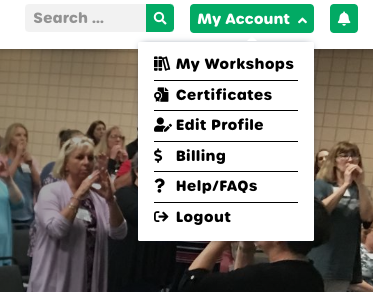
How do I edit my account information?
Once on the account page, you will see a form with fields for your personal information (such as your name and email address). Follow these steps to save your changes:
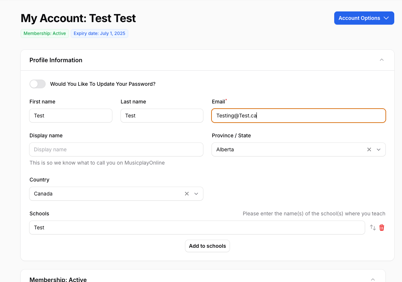
- Enter your updated information in the relevant fields.
- Scroll down and click Save changes to apply your update.
If you are changing your email address, note that the new address cannot already be associated with another Musicplay account. If you receive an error, contact support@musicplay.ca